Signia app & Signia One app

All your clients' needs, all together

With the Signia app and the Signia One app,* wearers can personalize their hearing experience with just a few taps. Convenient remote-control features make it easy to adjust settings on the go, while direct streaming helps users stay connected to calls, music, and entertainment. Wearers can also connect remotely with their hearing care professional through TeleCare and access the AI-powered Signia Assistant for ongoing support and guidance.

*Specific app depends on the hearing aid platform.
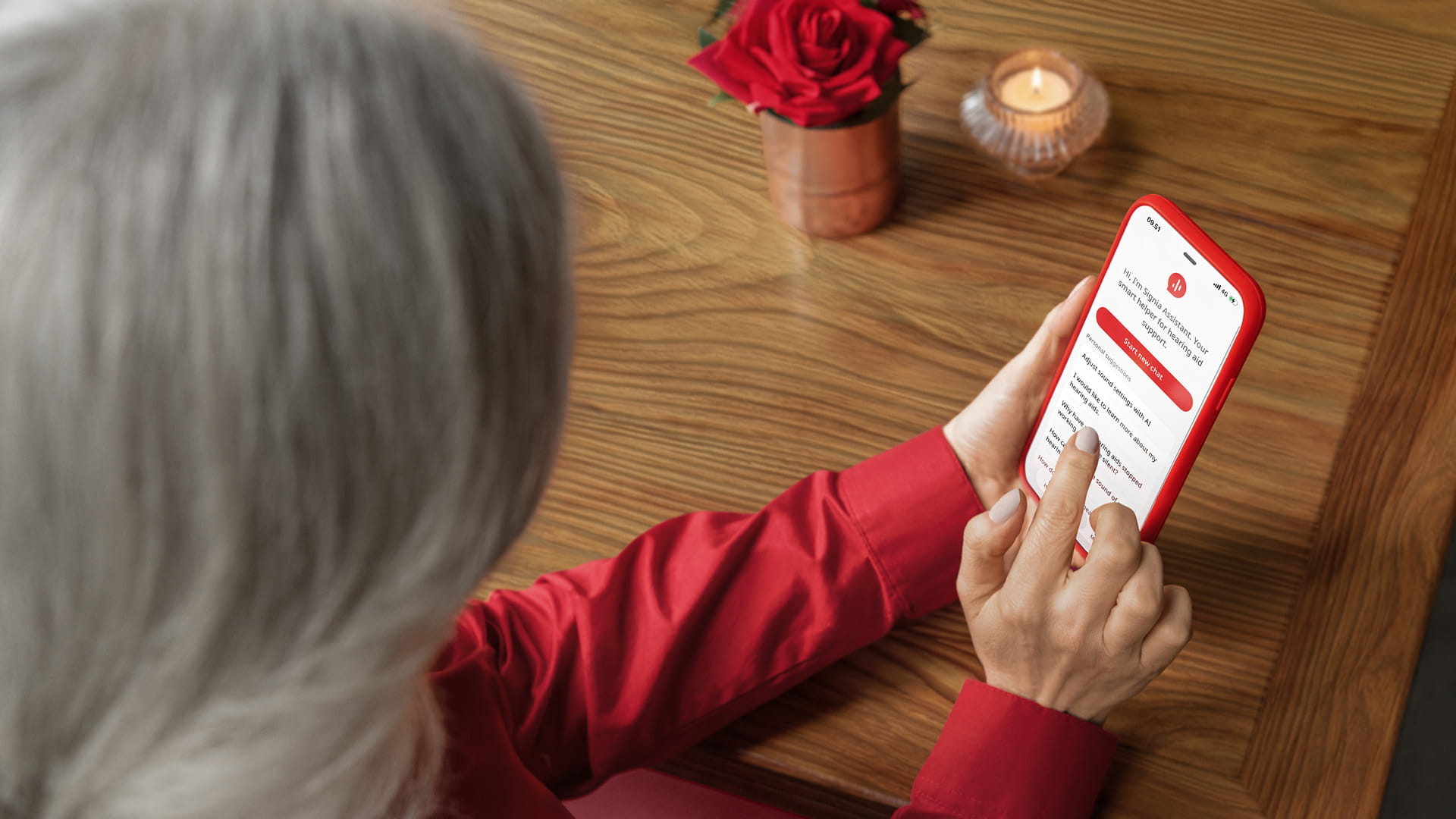
The new and revolutionary Signia Assistant.
Your smart solution for more satisfied customers

Via the Signia app on your clients’ smartphone the revolutionary artificial intelligence of Signia Assistant supports them 24/7 in the form of intuitive text-based dialogue. Easy to learn, it offers tailored sound adjustments when needed and how-to videos to answers handling questions.

After using the Signia Assistant and experiencing its benefits, 8 out of 10 people would recommend trying hearing aids with the Signia Assistant to a friend. Only Signia offers such a comprehensive and convincing solution, making Signia Assistant a great differentiator for your business.¹

Signia Assistant:

  • Tailored sound adjustments
  • Answers to handling questions and solutions to minor issues
  • Support 24/7

¹Hoydal EH, Fisher R-L, Wolf V, Branda E, Aubreville M. Empowering the wearer: AI-based Signia Assistant allows individualized hearing care. Hearing Review. 2020;27(7):22-26.

Functionality at a glance

No datasource set, or datasource is wrong template type (or context item, if no datasource set)

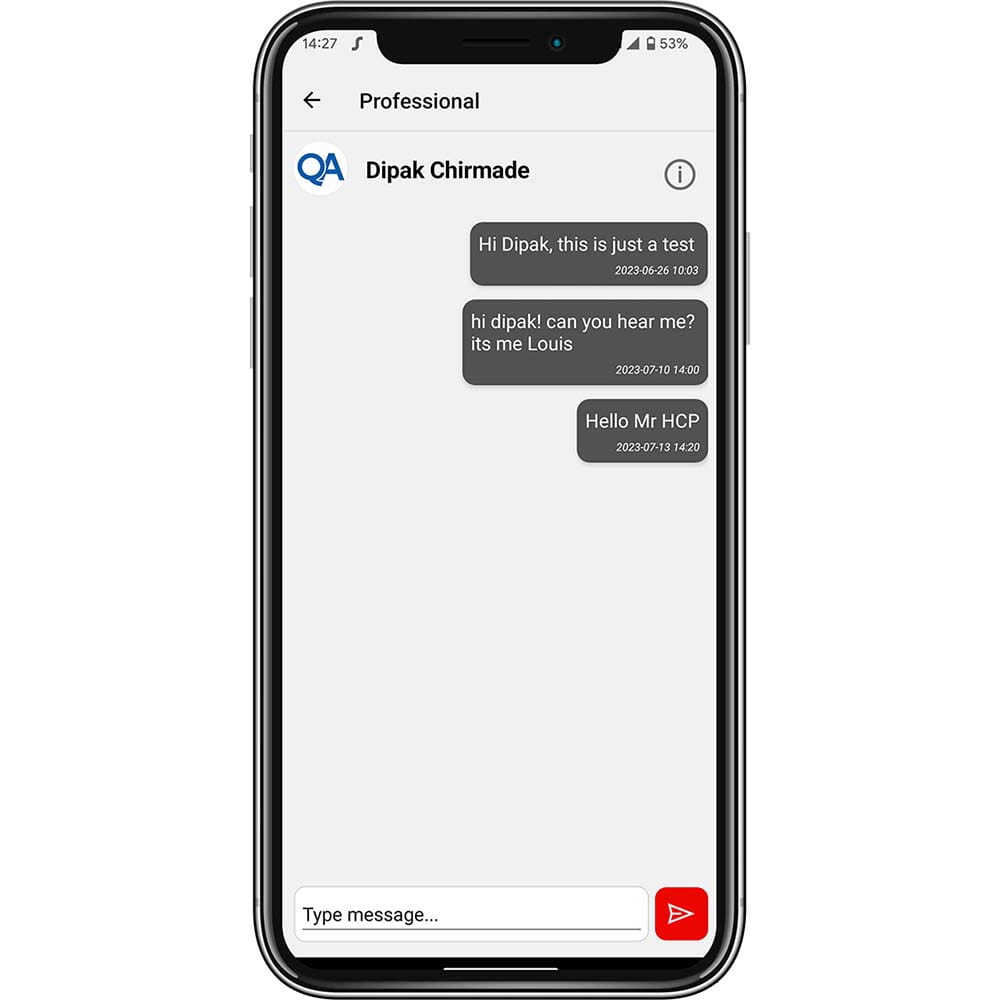
TeleCare: CareChat

Real-time contact with your customers via text message, voice call or video call
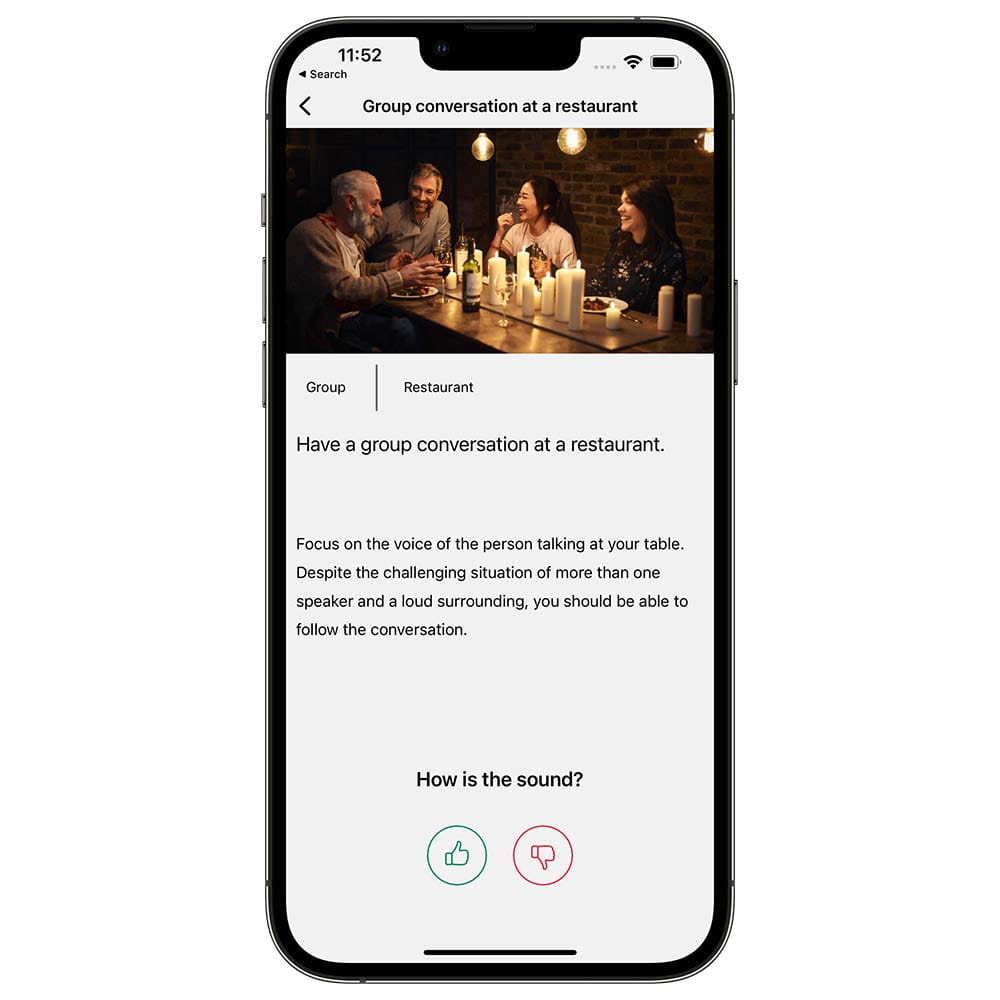
Signia app hearing lessons

TeleCare: Hearing lessons

Convenient and interactive lessons to improve the hearing experience of your customers

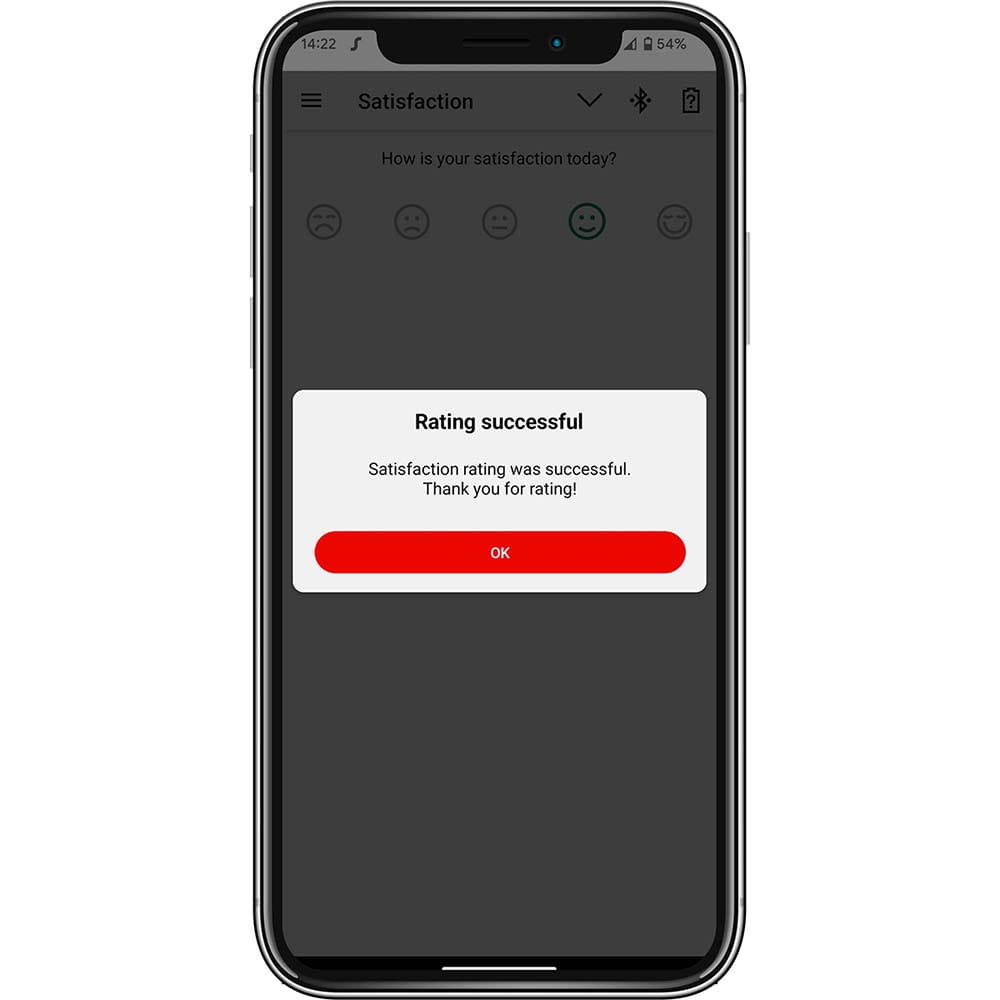
TeleCare: Satisfaction rating

Intuitive monitoring of your customers’ daily satisfaction

Download now:

Signia app

Personalize your hearing experience

Support for connectivity and pairing of hearing aids

Stay connected

FAQs Signia app

The Signia app is freely downloadable in the Apple App Store and Google Play Store of all compatible iOS and Android devices.
The Signia app is compatible with the complete Signia hearing aid portfolio except Fun and Fast.

The Signia app is compatible with most of the Android (Android 7.0 and higher) and Apple (iOS version 11 and higher, iOS 12 recommended) devices. You will find the list of the recommended Android devices for the optimal app stability on the Signia app website.


Using the Signia app, you can:

  • Change the hearing program and microphone volume level;
  • Adjust the sound balance (basses and trebles)
  • Adjust the Tinnitus therapy signal (if available)
  • Adjust the directionality of the hearing aid microphones individually by using the 360° Spatial Configurator
  • Manage you audio streaming devices (e.g. StreamLine TV, StreamLine Mic, CROS devices, etc) and control their volume discreetly.
  • Stay in closer contact with your hearing care professional and get individual remote support via TeleCare (a prior activation by your hearing care professional is needed)

As a result the Signia app offers you a wide variety of individual adjustment options enabling further personalization of your hearing experience.

Depending on the operating system of your mobile device as well as the type of your hearing aids, the Signia app may require some initial permissions like:

  • Receiving notifications
  • To get notifications from your HCP
  • Accessing the motion & fitness activity
  • To improve your listening experience while you are moving, walking or in any other activity
  • Accessing the location services:
    To use the activity/movement/walking detection feature
    To keep the application alive in the background
    Please note: No location data is transferred!
  • Accessing the camera, audio, photos, media and files
  • To receive a video call from your hearing care professional (available upon prior activation by your hearing care professional

Mobile devices compatible with the Signia app:

  • Apple devices: The Signia app is compatible with all Apple devices with the iOS version 11.0 and higher.
  • Android devices: The Signia app is compatible with most of the Android (Android 6.0 and higher) devices.

For the optimal stability of the app while using it with our Bluetooth hearing aids we recommend using the following Android devices:

Go to the top